
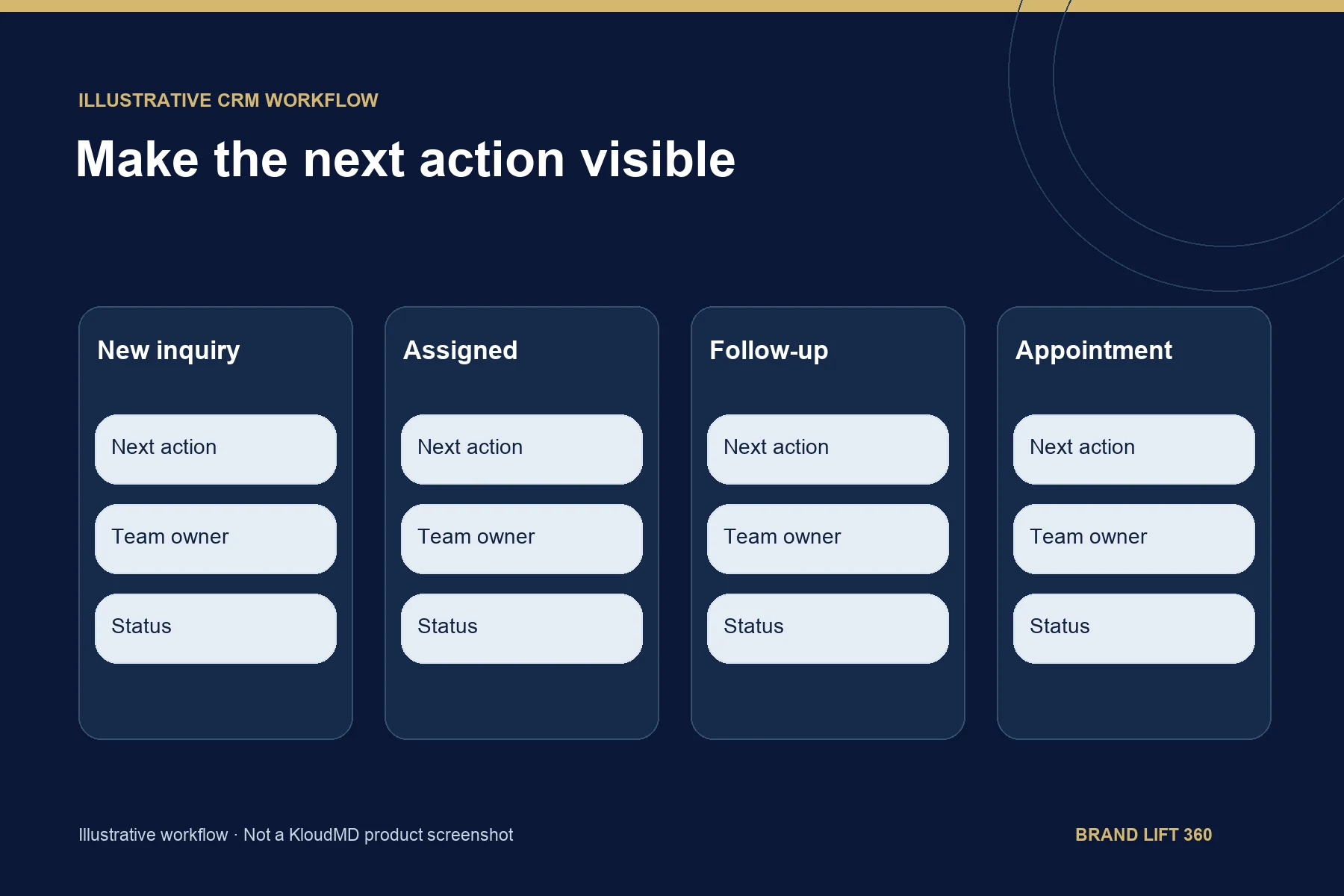
The best AI CRM for a healthcare practice is the one that fixes your specific gaps, such as missed calls, slow follow-up or no-shows, connects to your scheduling system and will sign a Business Associate Agreement if it handles patient information. A CRM (customer relationship management system) is software that keeps every contact, call, text and form in one place so your team knows who to follow up with next. A Business Associate Agreement (BAA) is the contract HIPAA, the federal health privacy law, requires when a vendor handles patient information for you.
Choose an AI CRM by the work your practice needs to improve: missed calls, inquiry follow-up, scheduling or reporting. Compare the workflow, supported integrations and total cost before comparing feature lists. Our own healthcare CRM, KloudMD, comes with a BAA for covered services and is one example of the managed approach compared below.
What Is an AI CRM for Healthcare?
An AI CRM for healthcare is a patient relationship system that adds automation and AI on top of the basic contact record, so new inquiries get answered, sorted and followed up without a staff member starting every step by hand. It sits beside your EHR, not in place of it: the EHR holds the chart, and the CRM holds the conversation from first call to booked visit and back again for recall.
The difference between a standard healthcare CRM and a medical CRM with AI is who does the first draft of the work. In a standard CRM, your team logs the call, decides who to call back and writes the text. In an AI CRM, the system takes on parts of that work and your team reviews and approves it.
What an AI CRM Can Do for a Medical Practice
A CRM organizes contacts and conversations. AI and automation features may assist with administrative tasks, depending on the platform and configuration.
For an independent practice, that can include:
- Capturing leads from your website, ads, phone calls, and forms
- Responding to new inquiries quickly
- Sending appointment reminders and confirmations
- Following up with people who did not schedule
- Re-engaging inactive or former patients
- Tracking calls, texts, forms, and booked appointments
- Identifying where leads drop out of the patient journey
- Helping your team prioritize the next action
AI Features to Test Before You Buy
"AI" on a pricing page can mean anything from a chatbot to a single auto-reply. Ask the vendor which of these the product actually does today, and have them show each one on screen:
- Instant first reply: Does the system answer a new web form, ad lead or missed call by text within minutes, at any hour, with wording your practice approved?
- Lead sorting: Does it tag or rank inquiries by service, source or urgency so the front desk calls the right person first?
- Conversation summaries: Can staff open a contact and see a short summary of past calls, texts and emails instead of scrolling the whole thread?
- Drafted replies: Does it suggest a reply that a staff member edits and sends, or does it send on its own? Know which, and who approves it.
- Call handling: Is a voice AI receptionist built in or connected, and do its calls land in the same contact record?
- Booking: Can the AI only collect a request, or can it see real availability and book into your scheduling system?
- Reporting in plain language: Can the owner see leads, booked appointments and no-shows by source without building the report by hand?
Then ask the question most vendors skip: when the AI gets something wrong, how does your team see it and correct it? Any AI feature that touches patient information falls under the same BAA and data-handling checks described below.
Compare the Implementation Model
A general-purpose CRM usually requires more configuration. A healthcare-oriented system may provide relevant workflows. A managed service adds implementation and ongoing support; confirm what is actually included.
| CRM approach | What it typically does well | Common limitation |
|---|---|---|
| General-purpose CRM | Manages contacts, sales pipelines, and basic communication | Often requires extensive customization for healthcare workflows and compliance |
| Healthcare CRM | Supports patient journeys, healthcare workflows, and regulated data requirements | May not include marketing execution, local search visibility, ads, or review management |
| Connected AI CRM and growth platform | Connects lead generation, follow-up, scheduling, reviews, analytics, and patient nurture | Requires careful evaluation of integrations, data handling, and implementation support |
Ask who will build, test and maintain each workflow. The lowest subscription price may not represent the lowest total cost.
Account for Build and Ongoing Work
General-purpose CRMs are built for broad industries. They often organize contacts, deals, tasks, and sales stages, so a practice usually has to build its own healthcare workflows, such as:
- Appointment requests and confirmations
- Missed-call follow-up
- No-show and recall messages
- Review requests
If the platform requires your team to manually design and maintain every workflow, it may create more administrative work than it removes.
Include customization, integrations, usage, training, maintenance and the work your staff will own in the comparison.
Confirm HIPAA, BAA and Data-Handling Requirements
If a CRM will store or process protected health information, ask direct questions before signing up. Protected health information (PHI) is any health detail that can be tied to a specific person, including the fact that they contacted your practice about care. A vendor should be able to explain how it handles data, who can access it, and which subprocessors (the outside companies it uses to store, send or analyze data) are involved.
Your evaluation should include:
- Business Associate Agreement: Can the vendor provide a BAA where required?
- AI data handling: Is patient information used to train models? Can that use be disabled?
- Subprocessors: Do external messaging, analytics, storage, or AI providers also handle protected information?
- Access controls: Can you limit access by role and responsibility?
- Audit logs: Can you see who accessed or changed information?
- Encryption: Is data protected in transit and at rest?
- Incident response: Are breach notification responsibilities clearly defined?
- Data retention and deletion: What happens when you stop using the platform?
Review the proposed workflow with the people responsible for privacy and security at your practice, and compare the vendor's agreement against HHS's sample business associate agreement provisions. Product descriptions alone do not establish compliance.
Do not accept "we only store the data" or "it is encrypted" as a reason to skip the BAA. HHS guidance on cloud services says a cloud provider that stores or transmits electronic patient information for a practice is a business associate, even if it only stores encrypted data and does not hold the key.
Prioritize the Workflows Your Staff Will Use
Lead response: New website, ad, or form inquiries receive a timely response and a clear next step.
Scheduling: Verify whether the system submits a request, checks availability or creates a confirmed appointment.
Missed-call recovery: The system helps reconnect with people who called when your office could not answer.
No-show reduction: Reminders, confirmations, and follow-up messages help protect your schedule.
Recall and reactivation: Former patients receive appropriate reminders to return for care.
Reputation management: Review requests are sent after appropriate patient interactions, with feedback routed to your team.
Conversation history: Calls, texts, forms, and follow-up activity remain organized instead of scattered across different tools.
The important question is not whether a vendor offers automation. Ask the vendor to demonstrate the exact workflow you need. Our 5-step booking framework lays out the workflow worth testing.
Define the Work You Need to Improve
Write down where leads and patients are being lost. For example:
- Calls are missed during busy hours
- Website inquiries wait too long for a response
- Staff manually send reminders
- No-shows are not followed up
- Former patients are not reactivated
- Marketing reports do not show booked appointments
- Reviews are requested inconsistently
Document Requirements
List the security and data-handling requirements your practice needs. Include BAA availability, access permissions, audit records, AI data use, integrations, and communication controls.
Test the Workflow in a Demonstration
Request a focused demonstration using realistic scenarios.
Ask the vendor to show what happens when:
- A prospective patient submits a form after business hours
- A caller does not reach the front desk
- A patient requests an appointment
- A scheduled patient does not confirm
- A former patient needs a recall message
- A new review is submitted
- Your practice owner wants to see monthly results
Watch how many steps require staff involvement. Also ask whether your team can adjust workflows without relying on a developer or vendor for every change.
Confirm Integration, Access and Exit Terms
Find out how the CRM connects with your website, scheduling system, phone platform, email, texting tools, and EHR or practice management software. An EHR (electronic health record) is the system that holds your clinical charts; some practices call it an EMR.
Then clarify who owns the data, how it can be exported, and what happens if you change vendors.
Choose a Small Set of Outcome Measures
Useful metrics include:
- Qualified leads
- Speed to lead (minutes from a new inquiry to your first reply)
- Contact rate (the share of leads your team actually reaches)
- Appointment requests
- Booked appointments
- Confirmation rate
- No-show rate
- Cost per booked appointment
Resolve Gaps Before Signing
- Uses “HIPAA-ready” language without explaining the BAA
- Cannot identify AI subprocessors
- Promises automation but cannot demonstrate your workflows
- Makes your staff responsible for building the entire system
- Hides implementation work or contract requirements
Choosing a Medical Practice CRM at a Glance
| Step | What to check |
|---|---|
| Name the gap | Missed calls, slow replies, manual reminders, no-shows, inactive patients, reports without bookings |
| Pick the model | General-purpose CRM, healthcare CRM, or a connected CRM with managed setup and support |
| Count the real cost | Subscription plus build, integrations, training, upkeep and the hours your staff will own |
| Check patient data handling | BAA, AI training use, subprocessors, role access, audit logs, encryption, breach duties, data deletion |
| Test a live demo | After-hours form, missed call, appointment request, unconfirmed visit, recall, new review, monthly report |
| Confirm connections and exit | Website, scheduling, phone, email, texting and EHR links; who owns the data and how it exports |
| Measure outcomes | Speed to lead, contact rate, booked appointments, confirmation rate, no-show rate, cost per booked appointment |
Common Questions About AI CRMs for Healthcare
What is the best AI CRM for healthcare practices?
There is no single best AI CRM for every healthcare practice. The best fit is the one that fixes your biggest leak, such as missed calls or no-shows, connects to your EHR and scheduling system, signs a BAA, and leaves the least setup work to your staff. Test each vendor against the same demo scenarios before you compare prices.
What is the difference between a CRM and an EHR?
An EHR (electronic health record) stores clinical records and treatment history. A CRM manages the relationship side: inquiries, calls, texts, reminders, follow-up and marketing results. The two should connect, but one does not replace the other.
Does a CRM need to be HIPAA compliant?
If it stores or processes protected health information, yes. Ask the vendor to sign a Business Associate Agreement and explain how data is encrypted, who can access it and whether AI features use patient information for training. No product is compliant by itself; your workflow and staff access matter too.
How much does a medical practice CRM cost?
Prices range from low monthly subscriptions to managed services, and the cheapest subscription often leaves workflow building to your staff. Our CRM is included in Growth ($1,499 per month) and Authority ($2,999 per month); see plans and pricing and our CRM software.
Can a CRM answer calls too?
A CRM tracks calls, but answering them takes a phone system or a voice AI receptionist connected to it. Pairing the two lets missed and after-hours calls become logged leads. See our voice AI receptionist.
Bring This Checklist to Every Demo
Before any CRM demo, write down three things: the name of your EHR or scheduling system, every channel inquiries arrive through (phone, web form, ads, text, chat), and the one workflow that leaks the most patients today. Ask each vendor to run that exact workflow live and to put the BAA terms in writing. The vendor that can do both, with the least work left to your staff, is usually the right fit.
Sources
- U.S. Department of Health and Human Services, Office for Civil Rights. Business Associate Contracts: sample business associate agreement provisions (published January 25, 2013; content last reviewed June 16, 2017).
- U.S. Department of Health and Human Services, Office for Civil Rights. Business Associates Frequently Asked Questions (published January 7, 2009; last modified October 21, 2026).
- U.S. Department of Health and Human Services, Office for Civil Rights. Guidance on HIPAA and Cloud Computing (published October 6, 2016; content last reviewed December 23, 2022).